








Make an announcement
Contents
Product Tours is currently in private alpha. Share your thoughts and we'll reach out with early access.
Currently only available on the web. Requires posthog-js >= v1.324.0.
Announcements are single-step messages for when you don't need a full multi-step tour. Buttons can open links or trigger a product tour, making announcements a great entry point for onboarding flows.
Modal announcements
Popups for important messages like feature launches, changelogs, or welcome messages. Modals can be positioned anywhere on screen and support rich content with buttons.
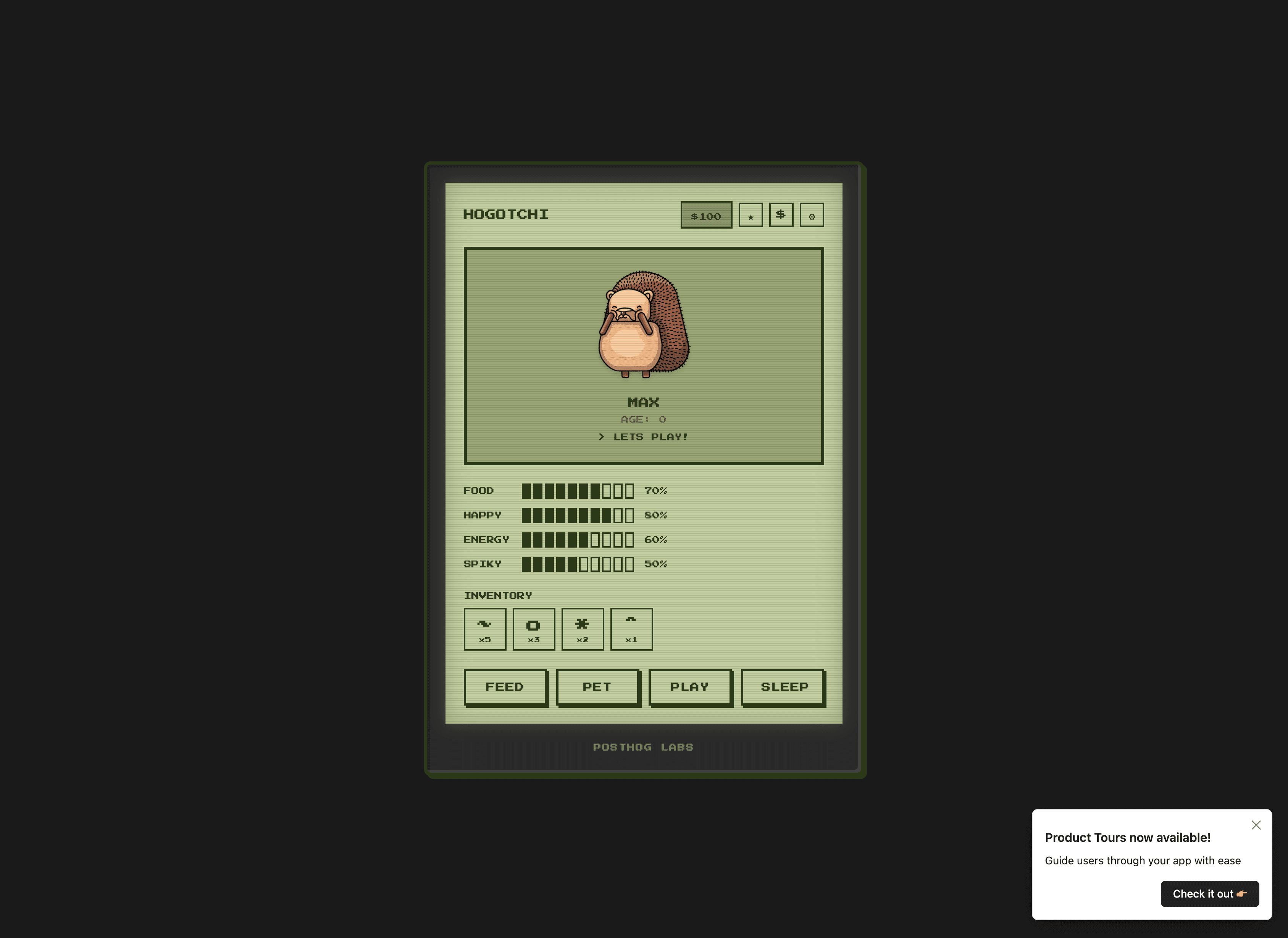
To create one:
- Go to Product tours
- Click New and select Announcement
- Enter a name and click Create
Banner announcements
Top-of-page alerts for less intrusive messages like promotions or maintenance notices. Banners can be sticky (stay visible while scrolling) or static.
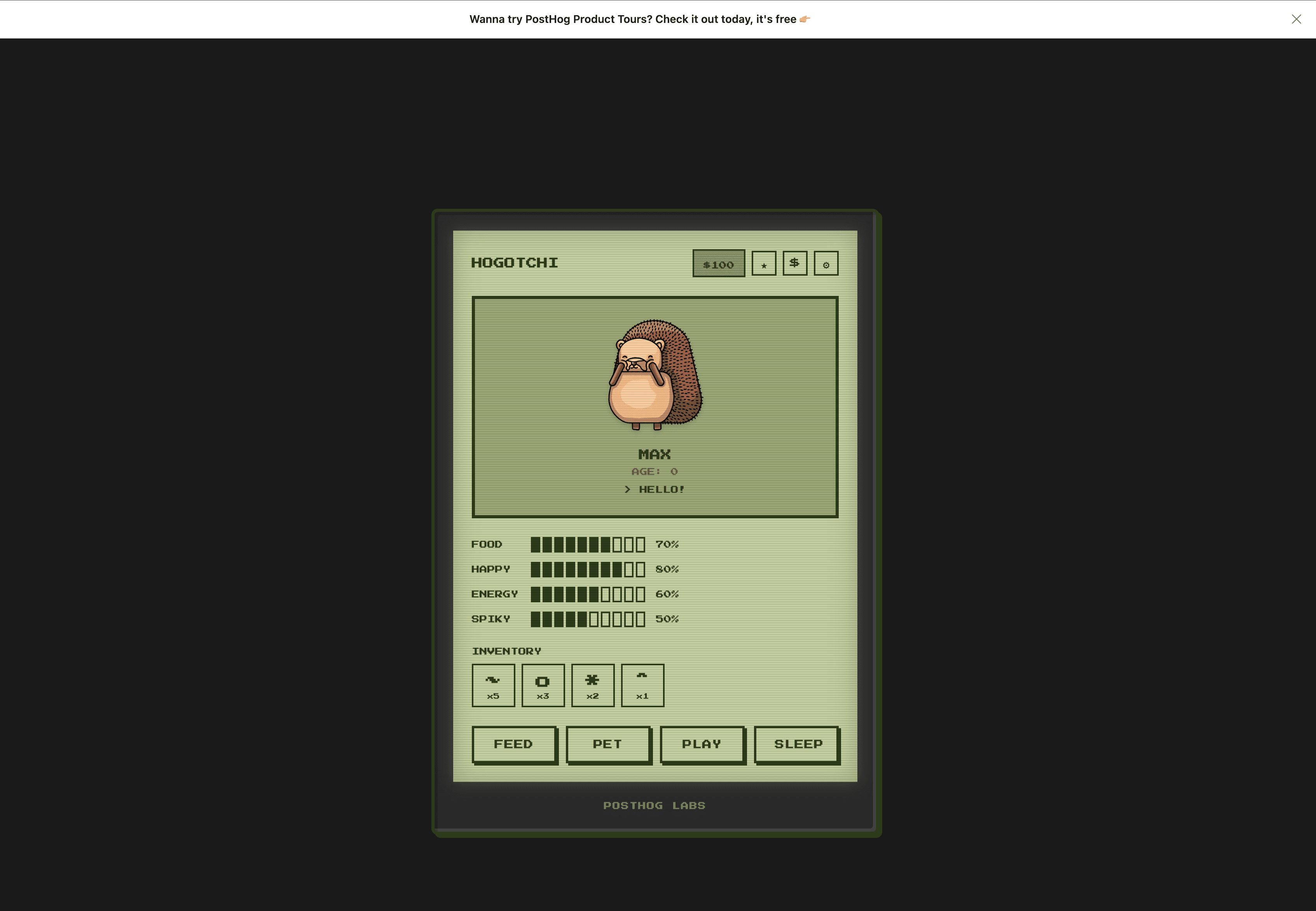
To create one:
- Go to Product tours
- Click New and select Banner
- Enter a name and click Create
Banner settings
Banners have additional configuration options:
- Position: Choose between sticky (stays visible while scrolling), static (scrolls with content), or custom (inject into a specific container element using a CSS selector).
- Click action: Set what happens when users click the banner – open a link, trigger another product tour, or do nothing.
- Animate in: When enabled (default), the banner slides in from the top with a brief animation. This is useful in preventing an abrupt layout shift when the banner loads.
Targeting
Announcements use the same targeting options as product tours. See Targeting for details.